I do use OSX, but I'm also on Linux Mint. Both are sharp and smooth as butter. I'm uncertain why your experience has been what it has with Linux. Could be drivers or something. I did have to set Mint to work for 4k60. It did not work out of the box properly. (HiDPI was off. Hardware vsync was off.) Mint has never had sub pixel rendering as far as I know. It looks crisp and great.
I think you misunderstand me. I am saying that on Linux text at normal PPI is pretty much as good (to me) as text at high PPI because it has sub pixel rendering and strong hinting that Mac OS X lacks,
OSX has had sub pixel rendering disabled by default since Mojave. It also never had the strong hinting that you can find on Linux and Windows which makes text significantly sharper at the cost of differing from the shape as specified by the font.
They were paying to license Microsoft’s ClearType patents and decided not to pay anymore once retina displays had become near standard for lost Macs and subpixel rendering was no longer necessary
If true, it's a pity they were paying. Apple's SPR goes back to the Woz days, whereas ClearType didn't come around until XP, and wasn't a default until Vista.
Also, apple has a tendency to support fancy features ONLY on its own hardware. I know apple retina displays allowed display scaling, but non-apple displays only let you set the absolute display resolution.
You generally have to use the right equipment -- using mini displayport or thunderbolt 3 instead of HDMI, depending on the generation. It's definitely finicky (much like getting guaranteed 4k60 output, especially through a dock)
If you have bank of america you can link your bofa and merrill accounts. They even give you bonuses on your credit cards of +25/50/75% cash back for balances over 25/50/100k in assets between both.
They increase the cash back by 75% of whatever it already was. So if you were getting 3% back (currently, for their Cash Rewards card, that can be 1 of the following categories: gas, online shopping, dining, travel, drug stores, or home improvement/furnishings), you'd now be getting 5.25% back.
Which is a complete rip-off. You could easily get 2% interest on that $100k you're leaving with them by just leaving it with a better bank. For that to be worth it, you'd need to get at least $2k cash back on that credit card. At 5.25% (which is only for that 1 category you chose!) you'd need to burn through $38k/year... i.e., you gotta $100 a day on that card.
Except even if you somehow were planning to spend $100/day on that one lucky category, your cash back would be an order of magnitude lower, because they'd only give you that cash back on the first $2,500 in purchase, i.e. you could only earn $131 at most. So you're losing out on at least $2,000 to earn at most $131. Terrific deal!
The more optimal method is to leave 1-3 months worth of expenses as cash and put the rest of the money in something like VTI. You don't want a market crash to erase half of your emergency fund at the exact moment you need it.
Emergency funds should be in FDIC insured savings accounts, that pay at least 50 basis points less than the fed funds rate.
Also, you should have a stash of cash you can find at home in case of power outage or network loss and you can’t get money from the bank. And guns and canned food and clean water.
You can still get 2% interest on that buy buying treasury ETFs, or 1.56% currently by asking them to open a preferred deposit account for you, which is essentially a savings account with a high interest rate. You dont have to keep it in cash.
Should've said a generalized rope, as ropes are generally described as a replacement for strings, but if you replace characters with other fixed size data types everything still works.
Returning a stack allocated value is a move in C++11/14. It is also true that in many circumstances a compiler may optimize that move away using RVO/NRVO.
I would expect B-trees to outperform binary trees even in a persistent data structure. The necessity of binary trees comes when you need stable iterators/references.
std::array does not exist because it is easier to read. It exists because C arrays behave strangely. Two examples: decay to pointer and no value semantics.
I've written a Data Structure[1] for C++ to handle this problem. It uses counted B+Trees internally and is a drop in replacement for C++14's std::vector.


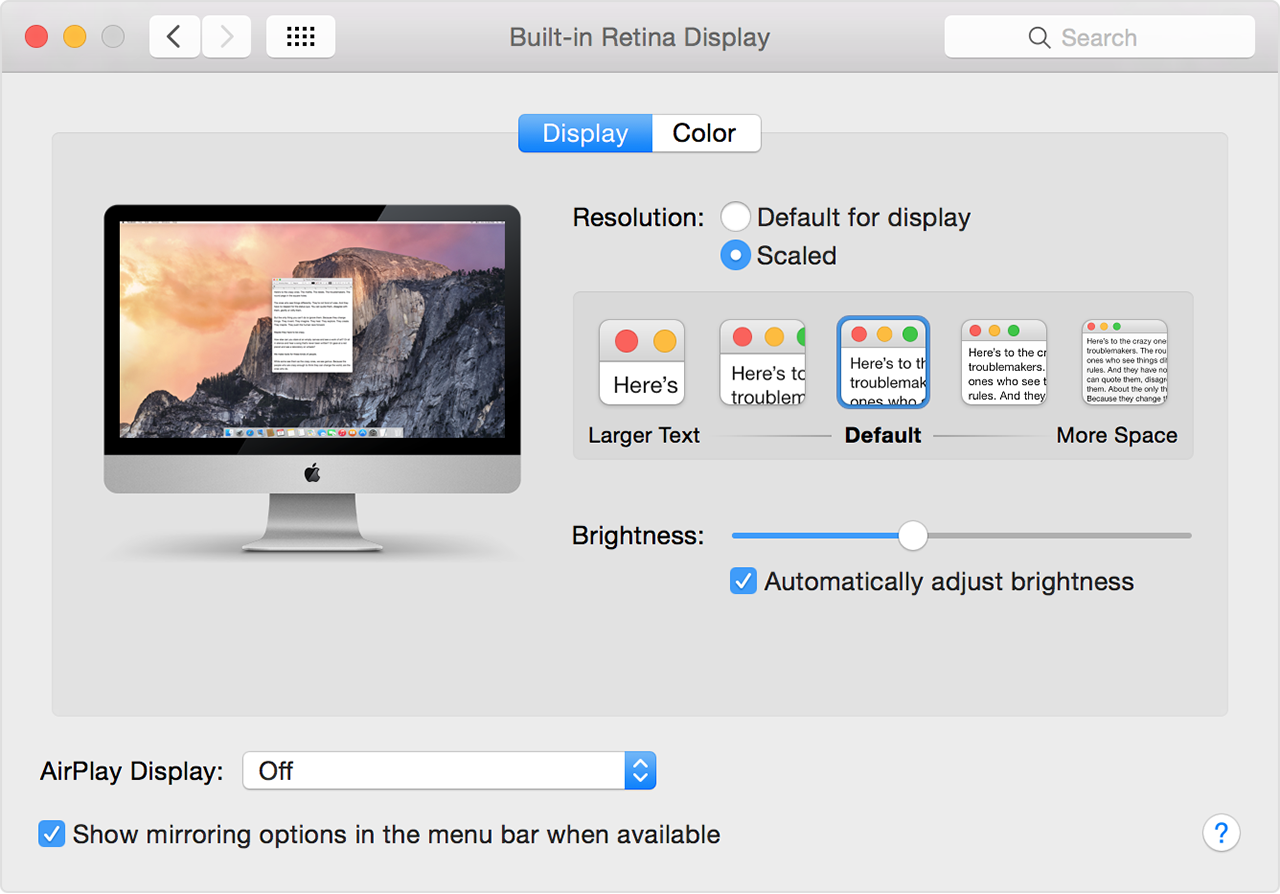
When using Windows or Linux I don't find much benefit in text rendering on a 4k display.
But as Mac OS X has no sub pixel rendering or grid fitting text looks terrible without a high ppi display.